Unlimited Range Transfer
Break the barriers of physical connection. Access your home or office server from across the globe with encrypted, low-latency performance.
Easy to Use
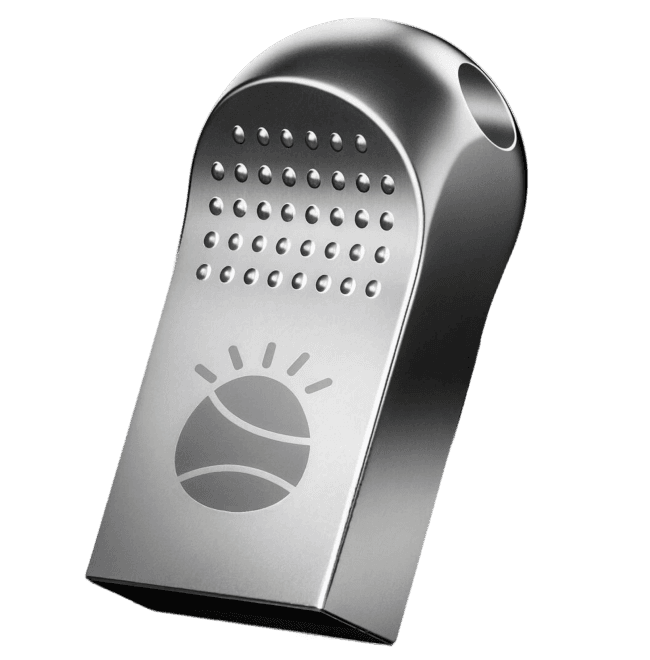
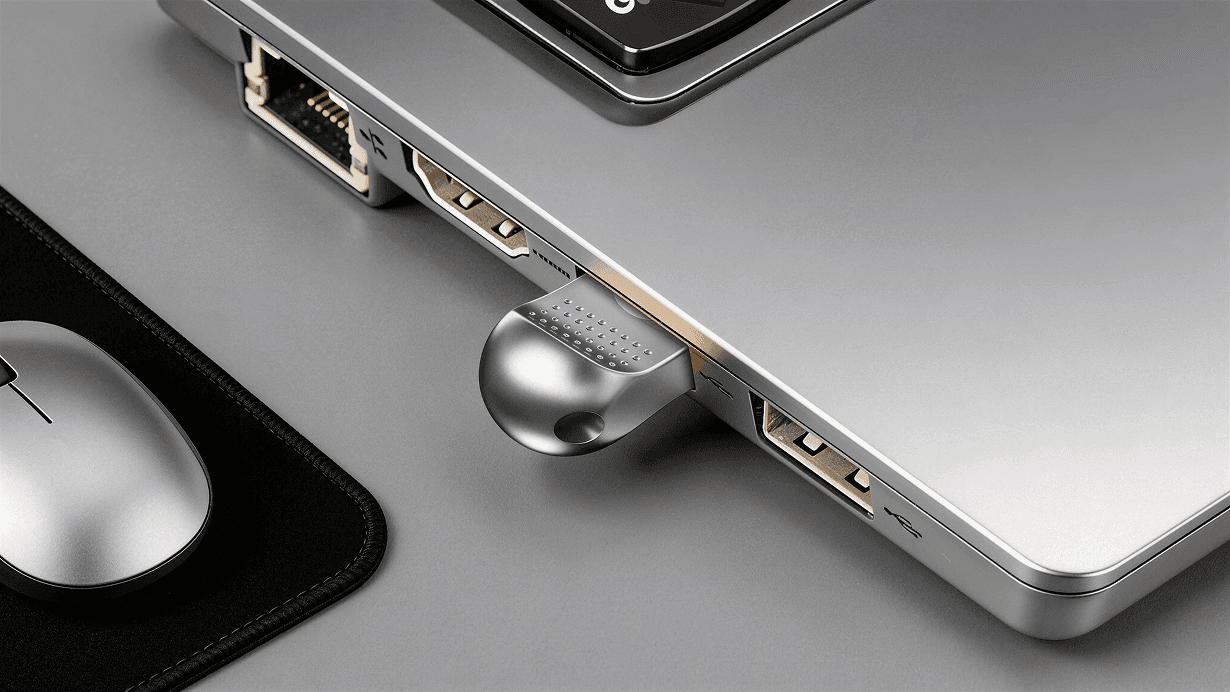
Plug in the device, run the installer, and instantly enjoy convenient features.
No Distance Limit
Access your computer files anytime, anywhere, no matter the distance, as long as you have an internet connection.
Secure & Private
Access files directly from your computer to your phone, ensuring your private information stays private.
Data cable with no length limit
Traditional data cables are always limited by length when transferring files, but Looda NetTether provides a stable and fast file transfer experience regardless of distance.
Access files on your computer from your phone anytime
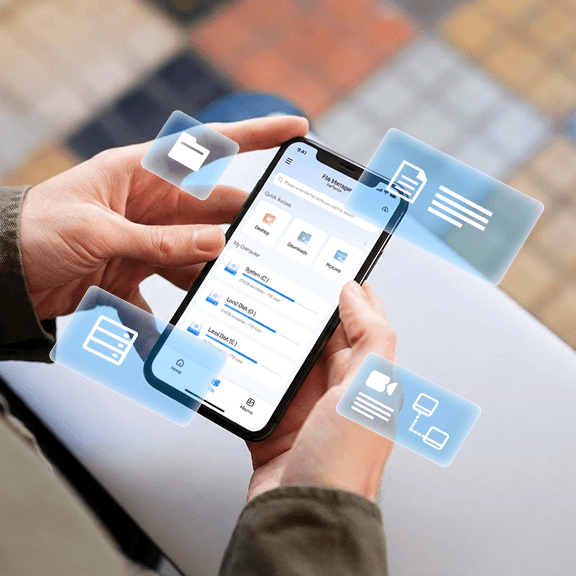
Connect the wireless data cable and keep your computer on. With the companion app, you can view and download documents from your computer anytime, anywhere.
Directly access computer files
No need for uploading to third-party cloud services.
Lightning-fast access speed
Native connection ensures ultra-low latency.
An experience like sharing with a cloud drive
Simple, easy to use, and incredibly powerful.
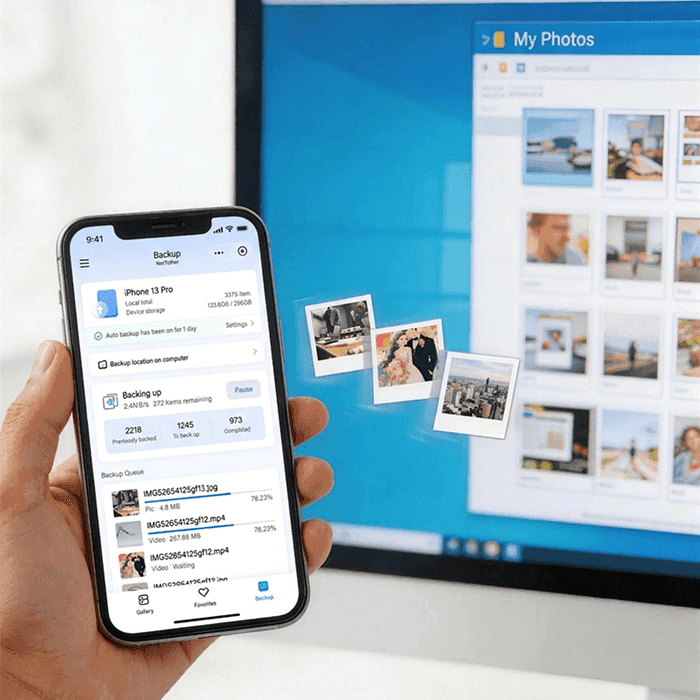
Back up photos to your computer to free up phone space
Anytime and anywhere on your phone, use the companion app to back up photos directly to your computer, avoiding the need to spend money on upgrading your phone's memory.
- Auto-backup enabled
- End-to-end encrypted
- Instant preview on PC
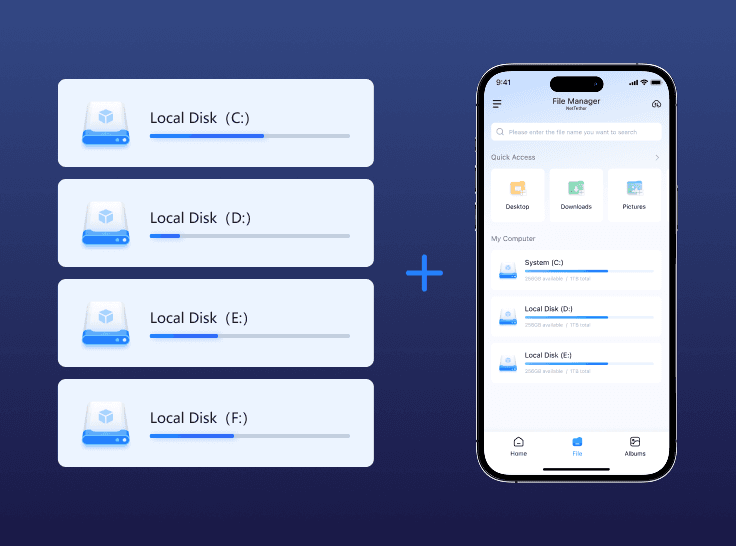
Give your phone 'unlimited' storage space
Your storage solutions are no longer limited. Use your computer storage as an extension of your mobile device, providing a virtually endless pool for all your high-res videos and media.
Simple and easy to use, just love it
Follow these 4 simple steps to get started
Connect to Your Computer
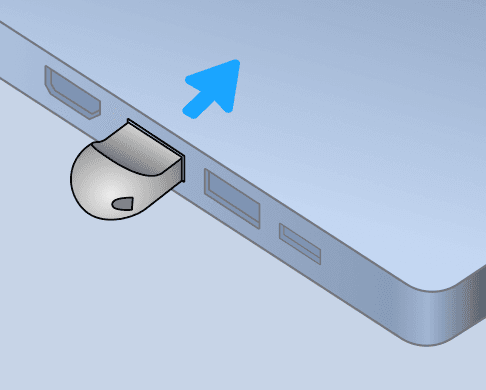
Plug the wireless NetTether into your computer.
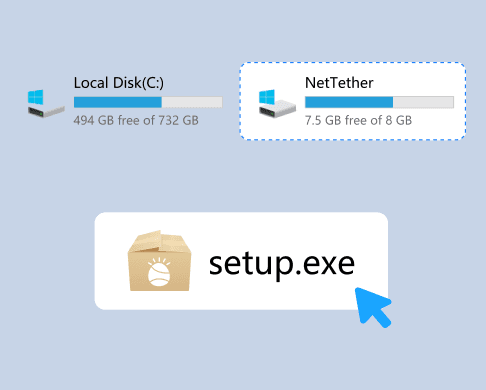
Run the Installer
Open 'My Computer' or 'This PC' and run the program file located in the 'NetTether' drive.
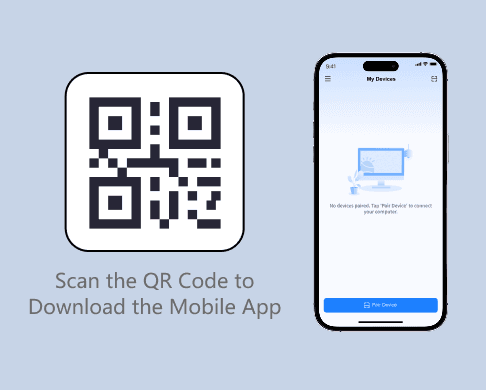
Install the Mobile App
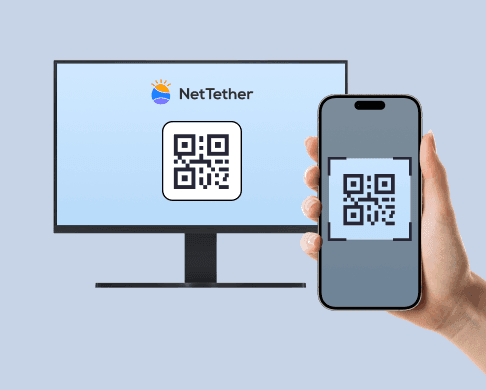
Scan the QR code to download the NetTether app from Google Play or the App Store.
Pair Your Device
Log in with the same ID, scan the pairing QR code on your computer, and you're good to go!