Download
Download the NetTether app and access your computer files anytime, anywhere from your mobile device.
Simple and easy to use, just love it
Follow these 4 simple steps to get started
Step 1
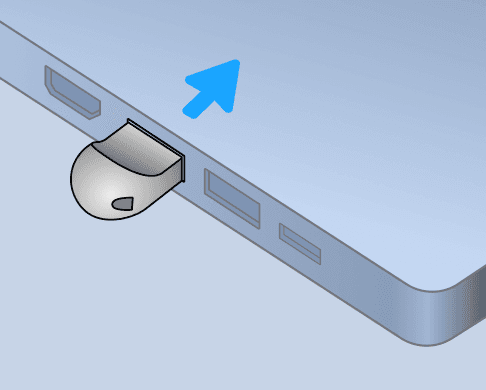
Connect to Your Computer
Plug the wireless NetTether into your computer.
Step 2
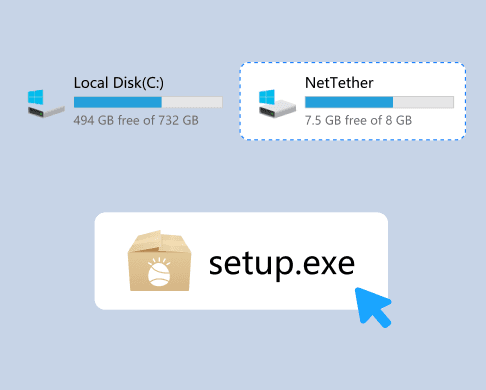
Run the Installer
Open 'My Computer' or 'This PC' and run the program file located in the 'NetTether' drive.
Step 3
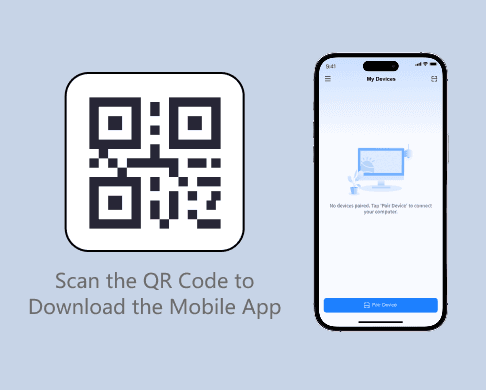
Install the Mobile App
Scan the QR code to download the NetTether app from Google Play or the App Store.
Step 4
Pair Your Device
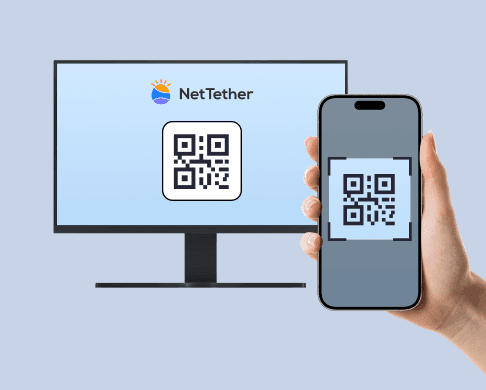
Log in with the same ID, scan the pairing QR code on your computer, and you're good to go!